






Ultimate football management sim with deep tactics, transfers, and realistic club control.
 Note : Account data cannot be changed. This is a Lifetime Access Steam Account with Offline play only

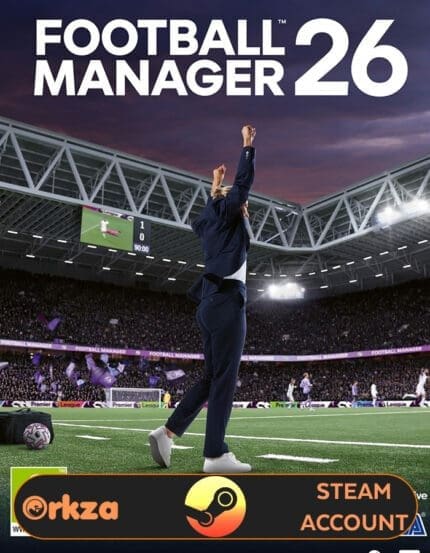
Football Manager 26
Football Manager 26 puts you in the manager’s seat to build, shape, and guide your club’s destiny. This annual entry in the renowned simulation series enhances core systems with updated databases, tactical innovations, and immersive match experiences.
From scouting to transfers, training to tactical tweaks, FM26 gives you control over every element of your team. Customize formations, press styles, build training schedules, and make crucial decisions that impact morale, finances, and long-term success. Whether you’re rebuilding a struggling club or maintaining elite dominance, every choice influences your legacy.
The matchday experience is deeper than ever with enhanced visuals, analytical tools, and feedback that support smarter decisions mid-game. Off the pitch, engage with media, manage board expectations, and plan youth development to secure the future of your club.
Football Manager 26 also lets you shape your manager’s identity, with revamped character creation and storytelling elements that make your career feel personal and impactful. Add in Steam features like achievements, Cloud saves, and Workshop support, and you’ve got a management sim that’s both complex and accessible.
🖥️ System Requirements (PC)
Minimum:
• OS: Windows 10/11 (64-bit)
• CPU: Intel Core i3 / AMD FX-4100 or equivalent
• RAM: 4 GB
• GPU: NVIDIA GeForce GTX 960 / AMD Radeon R9 380 / Intel HD 530
• Storage: 20 GB
• DirectX: 11
Recommended:
• OS: Windows 10/11 (64-bit)
• CPU: Intel Core i5 or better
• RAM: 8 GB
• GPU: Dedicated GPU recommended
• Storage: 20 GB (SSD recommended)
• DirectX: 11
How to Use Your Football Manager 26 Steam Account
After purchase, log into the provided Steam account on your PC. Once logged in, navigate to your library, install the game, and click on the play button. After a few minutes, exit the game and switch Steam to offline mode, and you’re all set to dive into hours of exciting gameplay!
For a comprehensive setup process, refer to our Steam Account Activation Guide
Explore Our Newest PC GAMES
 Overview

| Type | STEAM ACCOUNT |
|---|---|
| Region | GLOBAL |
| Warranty | LIFETIME |
| Delivery | INSTANT (EMAIL) |
More Like This




Hannah Campbell (verified owner) –
Activated quick, no trouble.
Julian Parker (verified owner) –
Worked first time. Thank you.
Lucas Davis (verified owner) –
Everything was delivered quickly.
Ethan Taylor (verified owner) –
Quick response and everything worked.
Jayden Green (verified owner) –
Logged in without issue and started playing.
Scarlett Allen (verified owner) –
Game was ready instantly after login.
Henry Lee (verified owner) –
Account worked with no issues.
Isabella Miller (verified owner) –
Simple process, no errors, just fun.
Lucas Davis (verified owner) –
All went as promised.
Julian Parker (verified owner) –
Instant access and clean.
Alexander Young (verified owner) –
Support was great too.
Julian Parker (verified owner) –
Fast access, all worked.
Benjamin Martin (verified owner) –
Clean and verified. Happy with it.